


1. Overview


2. Frame
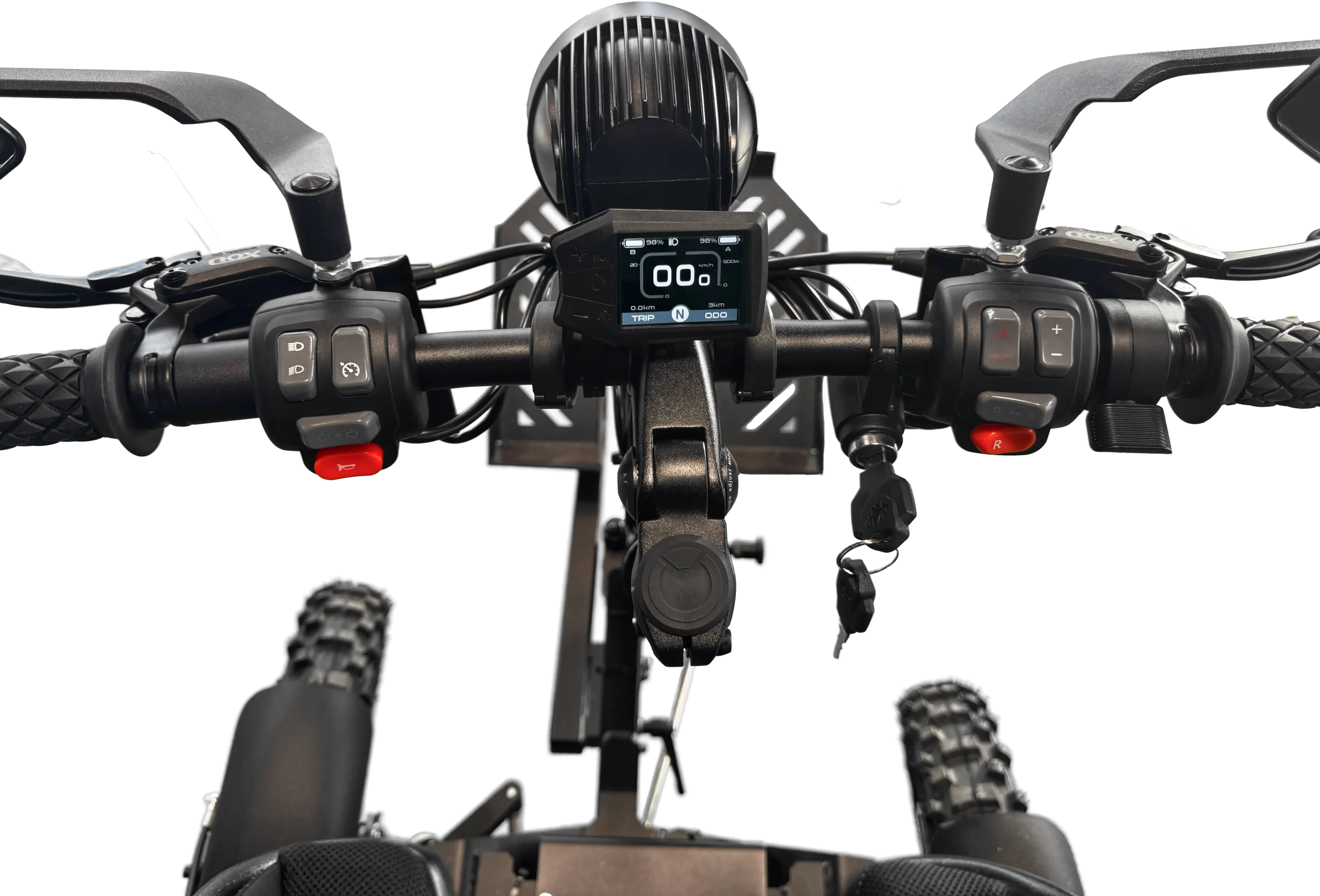
The frame is designed to handle off-road terrain. The patented bogey design that links the wheels optimizes comfort while avoiding a complicated suspension system.
Although the frame is robust, it is possible for an overly aggressive rider to damage the Zoom. Do not modify or change the frame components as this may impair durability and safety.
3. Motors and wheels
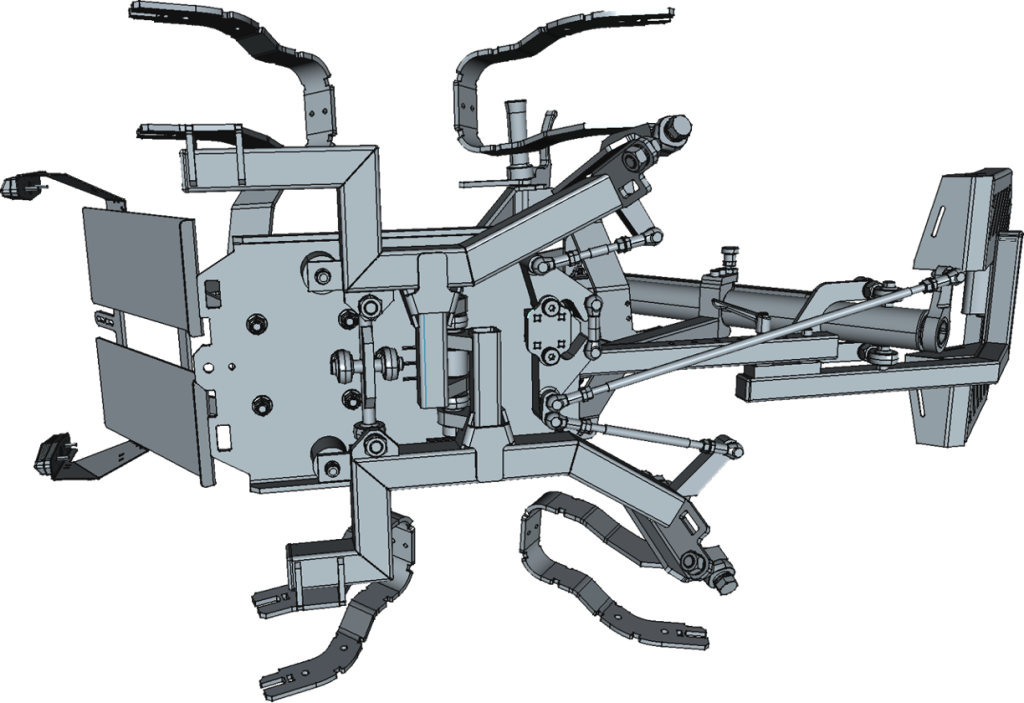
The Zoom has four integrated electric hub motors. The wheels are tilted for optimal stability and balance. The asymmetrical wheel placement improves off-road performance by making the Zoom crawl over obstacles one wheel at a time.
4. Removable batteries
If you need to remove the batteries, follow these instructions:
- Switch off power with the main key switch
- Disconnect the main power cables from the batteries by turning the green locking ring counter-clockwise and pulling the connector downward. (The cables are located underneath the batteries.)
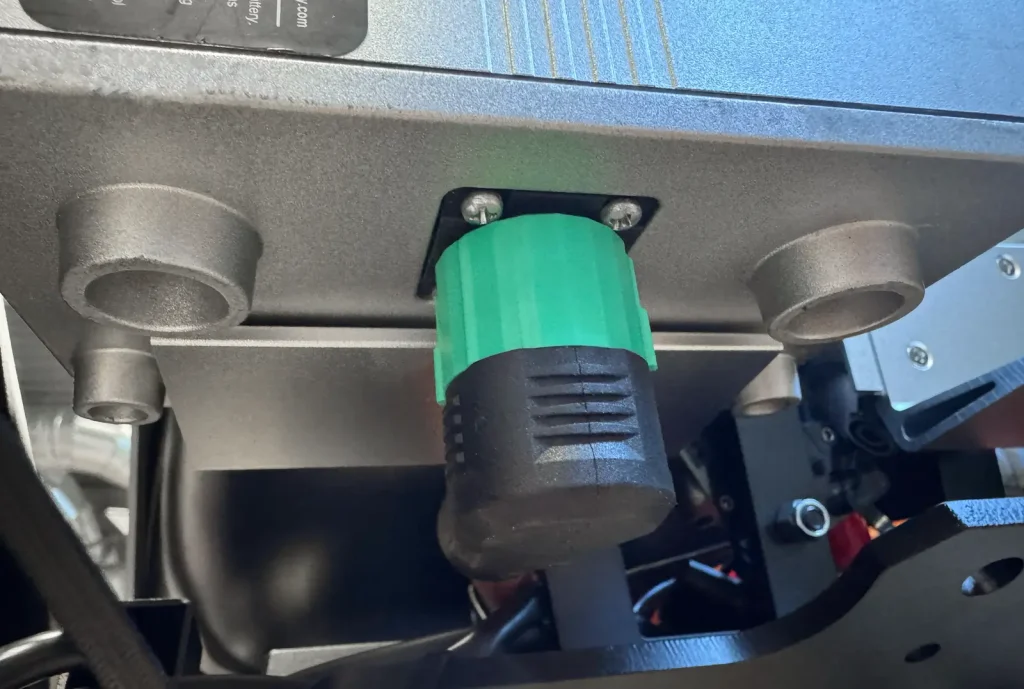
- Press the lock button on the top/back of the battery to release it, then pull the battery upward until it separates from the holding plate.
To mount the batteries back on the Zoom, repeat the procedure in reverse order, i.e. mount the left side battery and attach the power cable underneath and lock in place. The locking ring is spring-loaded and should automatically lock when the connector is attached properly. Continue with the right battery.
5. Battery Chargers
Battery life is optimized by regular use and charging. Due to transport regulations, the batteries are not fully charged when they are shipped. The batteries are designed to withstand at least 800 charging cycles.
Under optimal riding conditions on flat smooth surfaces the batteries will last up to 50 miles/80 km of riding. For demanding riding in terrain you should expect a shorter range. Plan your riding accordingly. The batteries provide full power until they become exhausted and performance will drop. You can monitor the battery level on the display.
- When the remaining battery power is less than 20% the battery indicator will become yellow.
- When the remaining battery power is less than 10% the battery indicator will become red.
To charge the batteries, use the charging port located near the top of the battery. When charging the batteries, the Zoom becomes non-operational and the display will switch on, even if the master key switch is in the OFF position.
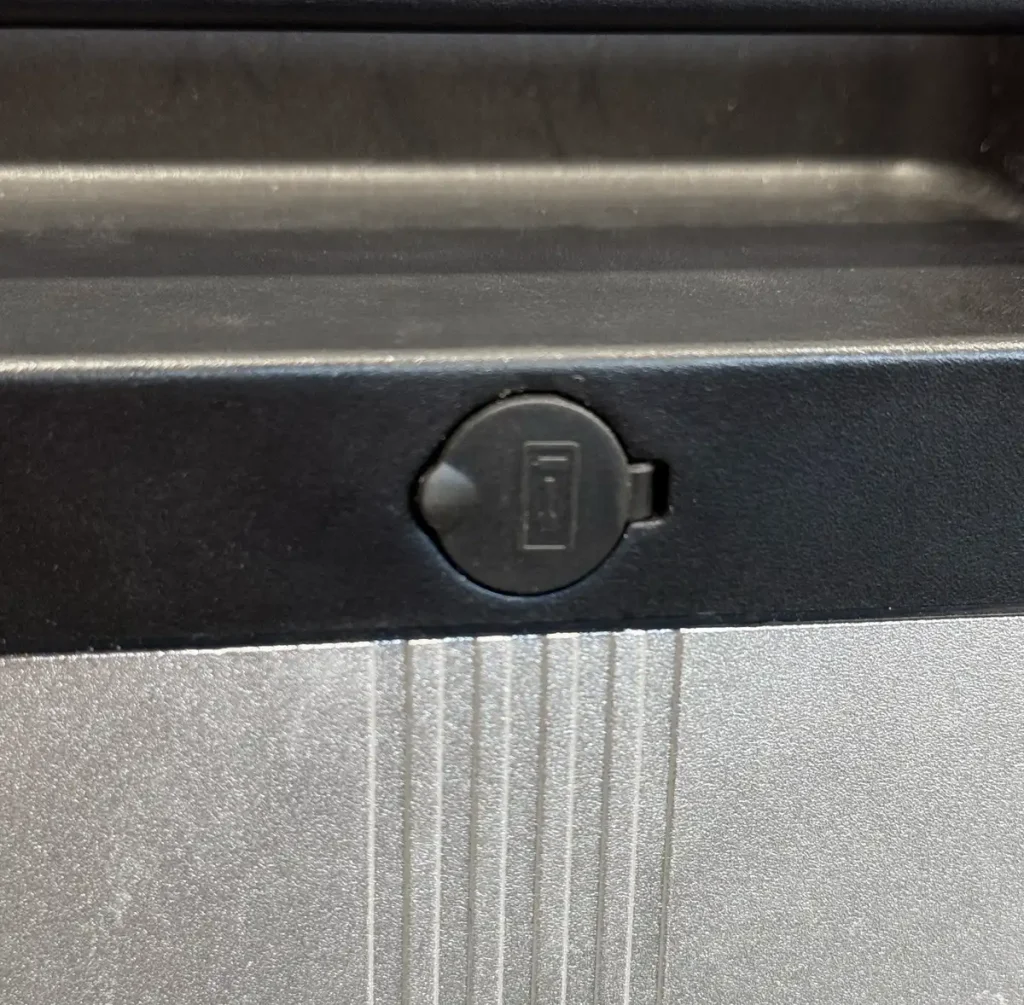
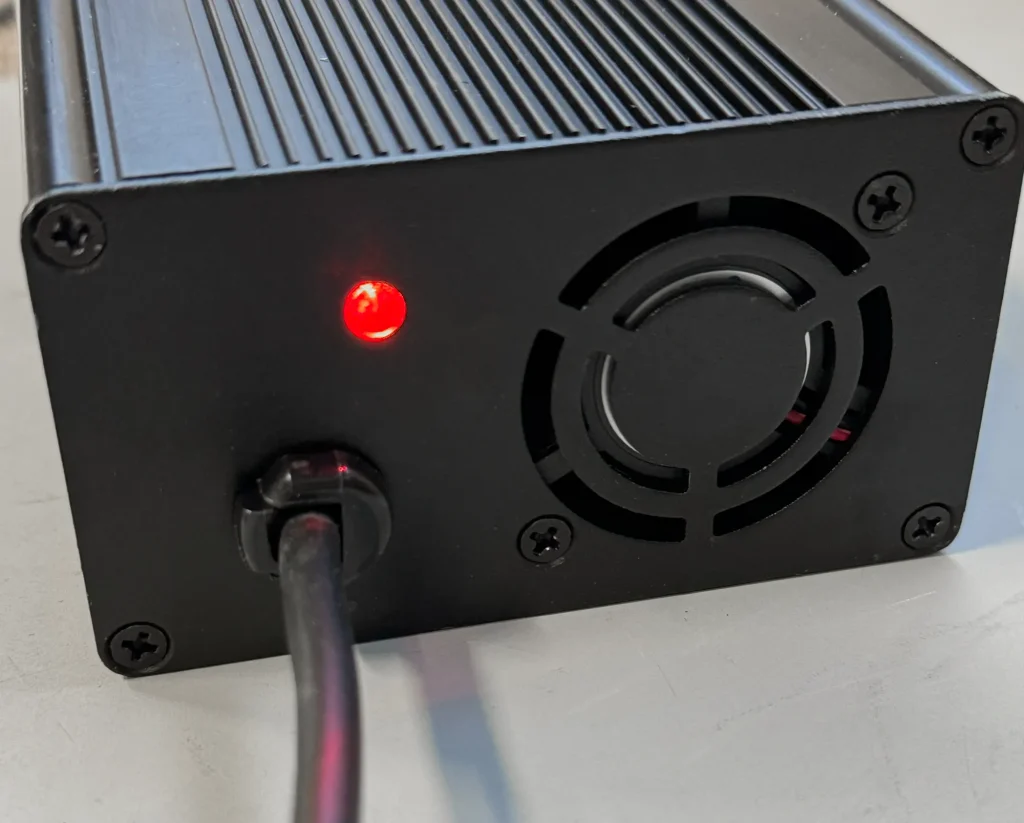
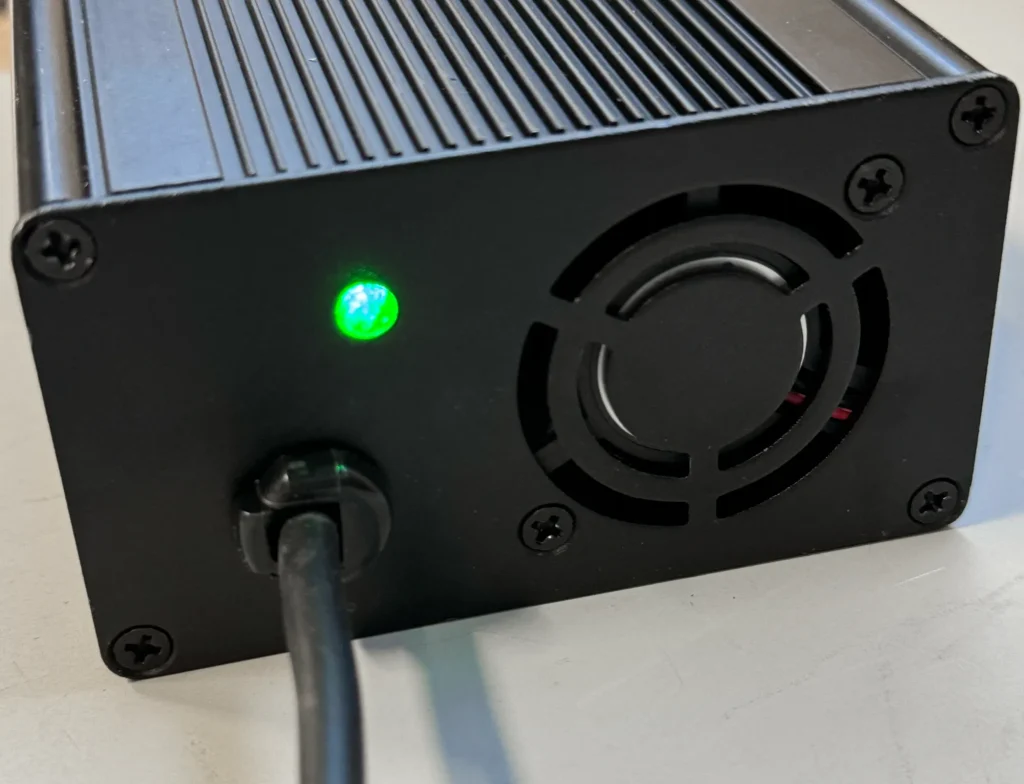
While charging, the light indicator is red. When charging is complete, the light indicator turns green.
Rechargeable batteries are only to be charged under adult supervision. Disconnect the Zoom from the chargers before cleaning. Always disconnect the chargers prior to operating the Zoom.
Chargers have built-in overcharge protection. Chargers will get warm during use — this is normal and not a cause for concern. If a charger does not get warm during use, it does not necessarily mean it isn’t working properly.